AI Voice Agents for Follow Up Boss: A Real Estate Team’s Guide
Learn how AI voice agents for Follow Up Boss support real estate lead follow-up, qualification, appointments and CRM updates with Mod AI.

Editorial Team
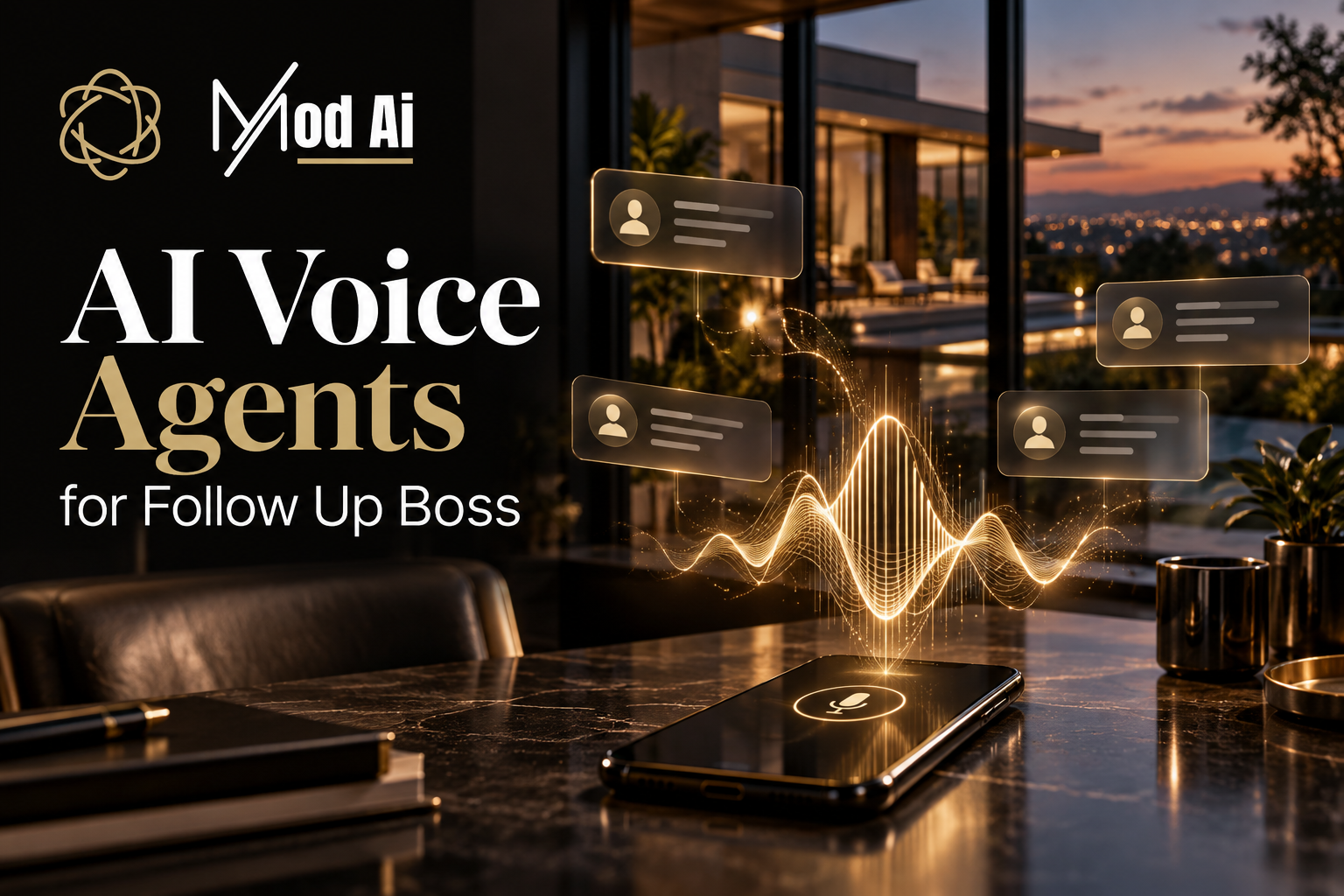
Table of Contents
AI voice agents for Follow Up Boss help real estate teams handle phone conversations and connect the outcomes to their CRM. Depending on the integration and configuration, they can answer incoming calls, follow up with eligible new leads, ask qualification questions, arrange appointments and record useful next steps. The goal is a timely conversation followed by a clear handoff to the right agent.
A lead arrives while you are showing a home. Another calls after your team has finished for the day. A past inquiry is ready to move forward, but nobody has reviewed the record recently. These are practical gaps that a well-configured AI voice workflow can help address.
This guide explains what to look for, how to structure your Follow Up Boss workflow and how to measure whether AI follow-up is helping your team.
What is an AI voice agent for Follow Up Boss?
An AI voice agent is a conversational phone assistant connected to selected information in Follow Up Boss, often shortened to FUB. It uses the context and instructions available to it to respond to callers or conduct approved outbound conversations. The integration determines which results return to the CRM.
Follow Up Boss remains your team’s contact and follow-up workspace. The voice agent supports the conversation, while your agents handle advice, relationship building, negotiations and decisions that require professional judgement.
A customer-facing voice agent is also different from an internal voice assistant. One speaks with your leads; the other helps staff retrieve information or perform supported CRM actions. Confirm which job you are buying.
How can real estate teams use AI voice agents?
Start with a specific gap in your follow-up process. Inbound answering, new lead outreach and database reactivation need different instructions and eligibility rules.
| Use case | Purpose | What to configure |
|---|---|---|
| Inbound call answering | Capture the caller’s needs when your team cannot answer | Business hours, caller verification, routing and fallback |
| New lead follow-up | Respond to eligible inquiries and identify the next step | Lead sources, permitted calling windows and attempt limits |
| Database reactivation | Find out whether selected older contacts still need help | Contact eligibility, relevant context and stop rules |
| Appointment coordination | Help interested leads connect with an agent | Calendar access, availability, time zones and confirmation |
Respond to new inquiries with context
A useful first conversation reflects why the lead contacted you. A buyer asking about a particular property needs a different opening from a homeowner requesting a valuation. Give the assistant verified lead-source and property information where available, and instructions to ask when something is unclear.
Keep the first call focused: confirm what the person needs, understand their timing and offer a suitable next step. Avoid turning a simple inquiry into a lengthy questionnaire.
Support callers when agents are unavailable
For inbound calls, decide whether the assistant should answer all calls, handle overflow or cover selected hours. It should know what information to collect and what to do when nobody can accept a transfer. A clear callback arrangement is better than a promise your team cannot fulfil.
Reconnect with the right older contacts
Database reactivation should begin with a carefully selected segment. Review contact history, communication preferences, prior opt-outs and eligibility before including someone. An older CRM record alone is not a reason to start automated calls.
How does an AI voice workflow connect to Follow Up Boss?
A dependable workflow has five parts: an eligible trigger, a context check, a focused conversation, a recorded outcome and a rule governing what happens next.
- Select an eligible lead. Use the triggers supported by your integration, such as a lead source, tag or stage. Exclude contacts who should not enter the workflow.
- Check the latest record. Review relevant history, agent ownership, recent activity and stop signals before the call.
- Have the conversation. Ask the questions needed to understand the person’s needs and offer the approved next step.
- Record the result. Save the supported summary, outcome and follow-up task to the correct contact.
- Continue, pause or stop. Apply the appropriate rule after an appointment, human takeover, opt-out, wrong number or completed attempt limit.
Example: A buyer enquires about a home and is eligible for a call. The assistant confirms their area and timing, then offers a conversation with the assigned agent. The agreed next step is recorded in Follow Up Boss, and the initial outreach sequence stops or pauses according to the configured rule. This is an illustrative workflow; confirm each action during setup.
What should the integration write back to the CRM?
A call summary should help an agent understand both the conversation and the next action. Ask exactly which records the integration can read and update. “Two-way sync” is not a complete specification.
| Information | Why your team needs it |
|---|---|
| Call outcome | Distinguishes an answered call, voicemail, no answer or invalid number |
| Conversation summary | Captures the lead’s needs without making the agent repeat questions |
| Buying or selling timeline | Helps determine the urgency and appropriate follow-up |
| Agreed next step | Clarifies whether a callback, consultation or further information is needed |
| Supported task, tag or stage update | Connects the outcome to the team’s existing workflow |
| Stop or pause signal | Helps prevent conflicting or unwanted follow-up |
Confirm field mappings, duplicate handling, failed-update alerts and retry behaviour. Do not assume that every integration can edit assignments, stages or appointments simply because it can add a note.
When should automated calls stop?
Stop rules should be checked before every attempt. A lead may respond to a human agent, book an appointment or change their preferences after entering a campaign.
- Opt-out: stop the affected outreach and record the request so connected workflows respect its scope.
- Wrong number: stop calling that number and flag the record for review.
- Appointment arranged: end the initial prospecting sequence and follow the agreed confirmation process.
- Human takeover: pause automated outreach so it does not compete with the agent’s conversation.
- Attempt limit reached: exit the sequence and route the record for review or an appropriate next step.
Review calling eligibility, required disclosures, recording practices and privacy requirements for the markets you serve before launch. CRM settings are operational controls, not a substitute for that review.
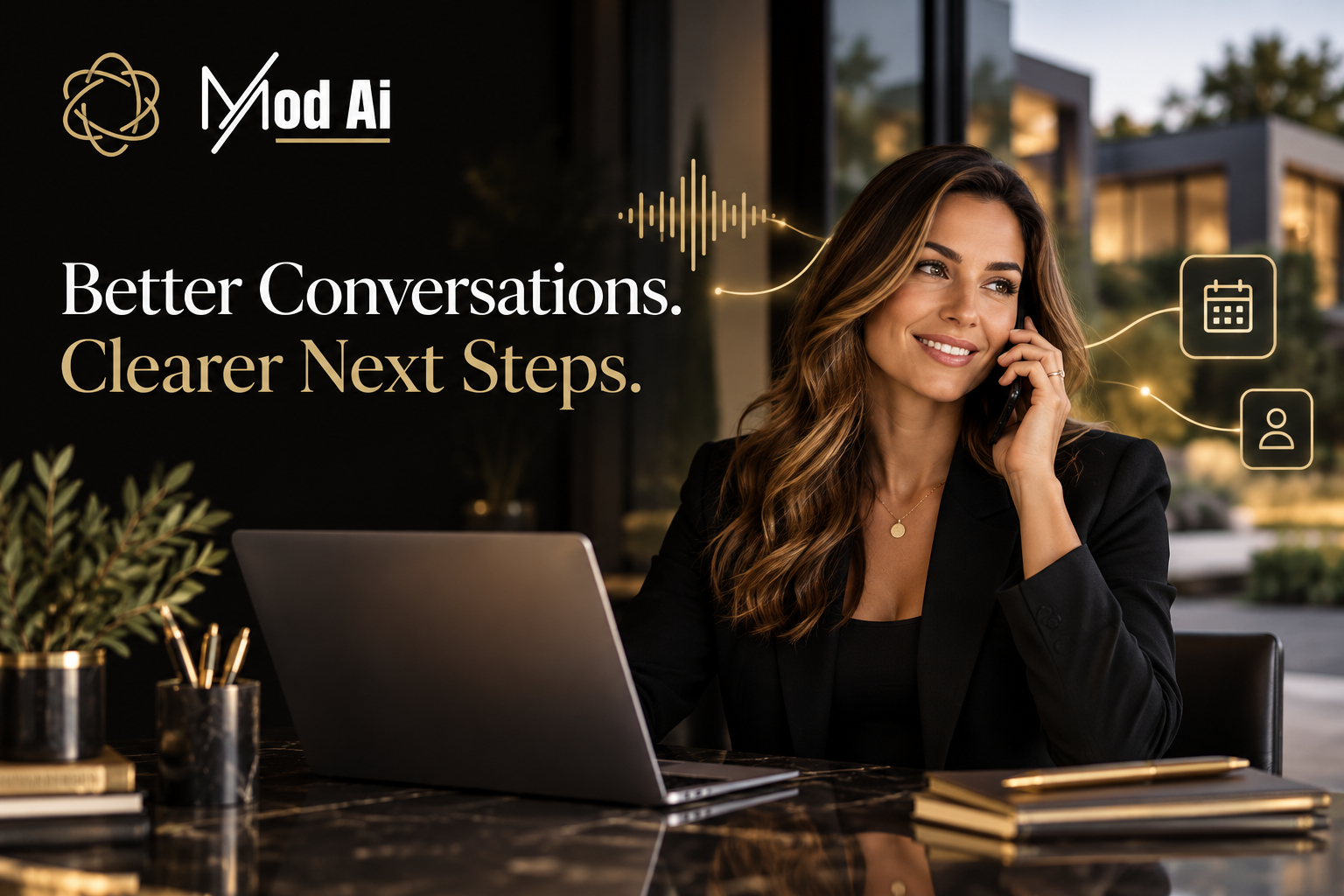
How should AI hand a qualified lead to an agent?
A successful handoff connects the lead with the right person and provides enough context to continue the conversation. If live transfer is supported, test it with your actual team routing.
Define the primary recipient, backup contact and fallback when nobody answers. The fallback may be a callback request or an appointment, depending on your configuration. Never have the assistant promise a confirmed booking unless the calendar has accepted it.
The receiving agent should know the caller’s name, reason for contacting the team, relevant property details and agreed next step. When identity is uncertain, confirm it before revealing information from an existing contact record.
How do you launch and measure an AI voice agent?
Begin with one lead source or a small segment. Test the complete journey before expanding to the wider database.
Use test contacts to check an answered call, no answer, wrong number, opt-out, booking request, unavailable agent and failed CRM update. Inspect the contact record after each scenario. Confirm that the information is accurate and that the next action matches the conversation.
Review these measures against your team’s baseline:
- First-response time: how long eligible leads wait for the first attempt.
- Contact rate: how often attempted calls reach the intended person.
- Qualified conversations: how often the call identifies a relevant need and next step.
- Appointments held: whether arranged appointments become useful conversations.
- Completed handoffs: whether leads reach the intended person or receive the promised callback.
- CRM accuracy and stop-rule performance: whether records are correct and unwanted repeat attempts are prevented.
Use consistent definitions and review a sample of conversations alongside the numbers. A higher call count is only useful when it supports a better customer experience and meaningful follow-up.
Where does Mod AI fit into your follow-up process?
Mod AI offers AI voice, text, email and automation solutions for real estate teams. For a Follow Up Boss team, the starting point is deciding which conversations need support and how those conversations should connect to the existing sales process.
Bring your lead sources, stages, routing requirements and preferred follow-up approach to the setup discussion. Confirm which features are included in your selected plan and which CRM actions are supported for your workflow. Explore the Mod AI product lineup and review current plans and pricing.
Want to see how this could work for your team? Connect with Mod AI to discuss your Follow Up Boss workflow and the right starting point for your leads.
Frequently asked questions
Can AI voice agents automatically call Follow Up Boss leads?
Yes, when the connected service supports outbound calling and the lead meets the configured eligibility rules. Confirm supported triggers, calling windows, attempt limits and stop conditions before enabling the workflow.
Can an AI voice agent book appointments?
Some services support appointment booking through a connected calendar. Confirm availability checks, time zones and successful calendar creation. If booking is not supported, the assistant can capture a preferred time for a human to confirm.
Can AI update notes, tasks and stages in Follow Up Boss?
The available updates depend on the integration and its permissions. Ask for a demonstration of each required action using a test contact, including what happens if an update fails.
Can AI voice agents replace a real estate agent?
They can support initial conversations, qualification and follow-up. Human agents remain responsible for professional advice, negotiations, complex questions and the client relationship.
How much does an AI voice agent for Follow Up Boss cost?
Cost depends on the provider, selected features, included minutes, usage charges and setup requirements. For Mod AI, review the current pricing page and confirm the plan that matches your inbound or outbound workflow.
What is the best first workflow to automate?
Choose one clearly defined gap, such as missed inbound calls or eligible new inquiries from a single source. A narrow launch makes routing, CRM updates and stopping rules easier to test before expanding.
Tags
About the Author
Mod AI
Editorial Team
Practical guidance on real estate lead follow-up with Mod AI.
Published on 10/26/2026
Last updated on 10/26/2026