
AI Lead Follow-Up for Real Estate: Turn More Conversations Into Opportunities
Learn how AI lead follow-up helps real estate agents engage buyers and sellers through text, email, and voice, with CRM insights and better agent handoffs.

Editorial Team
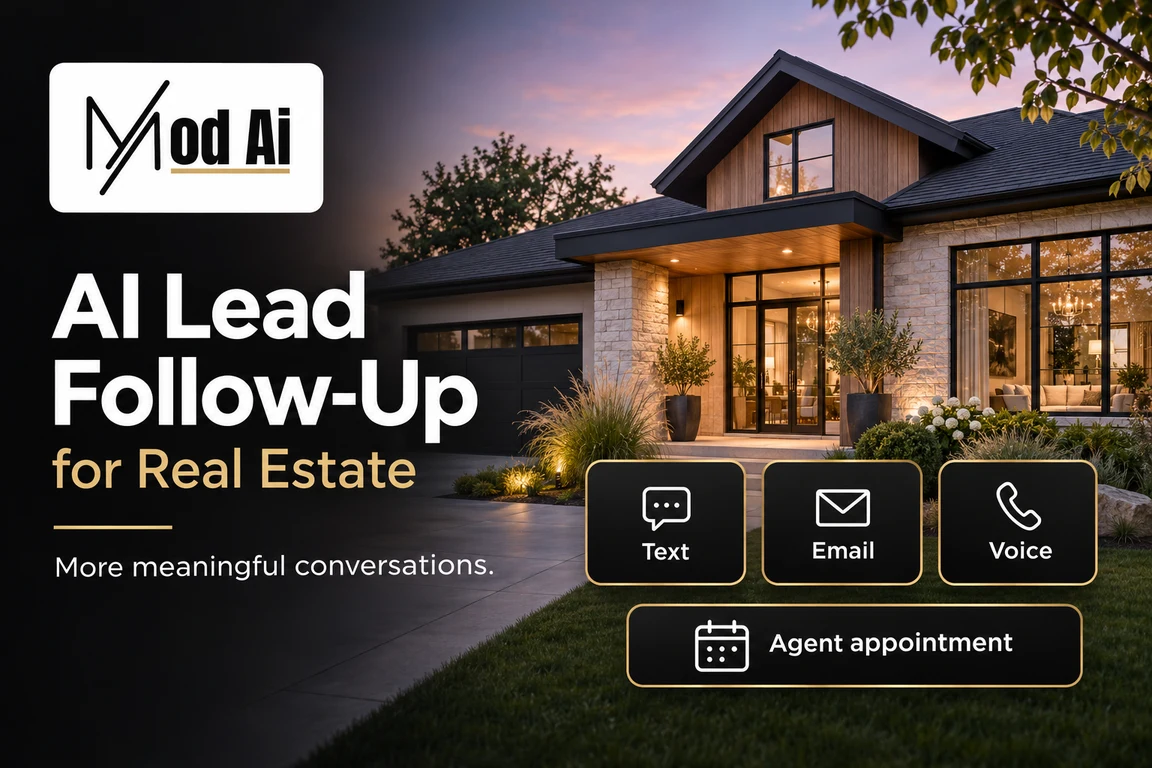
Table of Contents
AI lead follow-up for real estate uses artificial intelligence to respond to inquiries, ask relevant questions, capture buyer and seller needs, and help move conversations toward an agent appointment. Depending on the platform and configuration, it can work through text, email, and voice while keeping useful information connected to your CRM.
For real estate agents, the value goes beyond sending a faster first message. A useful system helps you understand who needs attention, what they have already told you, and what should happen next.
A buyer may inquire about a property while you are in a showing. A homeowner may start considering a sale months before they request a listing appointment. An older contact may become active again after a long period of silence.
Consistent follow-up helps keep those opportunities from getting lost.
What Makes AI Lead Follow-Up Effective?
Effective AI follow-up connects four things: a relevant reason to reach out, a helpful conversation, an accurate CRM record, and a clear next step.
Sending more messages is not the goal. Helping the right person move forward is.
A useful workflow should:
- Respond appropriately to new inquiries.
- Use the lead’s source, stage, and previous conversations for context.
- Ask questions that help the agent understand their needs.
- Keep stated facts separate from AI estimates.
- Recognize when a person needs to take over.
- Respect communication preferences and stop requests.
These principles apply whether you are following up with a new buyer, nurturing a potential seller, or reconnecting with an existing CRM contact.
Respond to the Question That Brought the Lead In
The first response should connect directly to the inquiry.
Someone asking about a specific home wants help with that property. Someone requesting a home valuation wants to understand their property’s potential value. Neither needs to complete a lengthy qualification interview before receiving a useful response.
For a buyer inquiry, an opening could be:
“Hi [First Name], I’m the AI assistant for [Agent Name] at [Brokerage]. Thanks for asking about [Property Address]. Would you like help arranging a viewing, or is there something you’d like to know about the home first?”
For a seller inquiry:
“Hi [First Name], I’m the AI assistant for [Agent Name] at [Brokerage]. Thanks for requesting information about your home’s value. Are you considering a move, or mainly looking for an updated picture of the market?”
These messages identify the assistant, acknowledge the request, and give the lead an easy question to answer.
If the person asks about a property feature, the AI should use current, approved information. When the answer is unavailable, it should flag the question for verification.
Match Follow-Up to the Lead’s Stage
A new inquiry, an active buyer, and a homeowner planning a move next year need different conversations.
Stage-based follow-up helps make outreach relevant to where the person is in their decision.
| Lead situation | Useful conversation focus | Appropriate next step |
|---|---|---|
| New buyer inquiry | The property or information requested | Answer a question or arrange agent contact |
| Buyer actively searching | Location, property needs, timing, and stated budget | Discuss suitable options or a showing |
| Homeowner exploring a sale | Property, motivation, and potential timing | Offer a valuation conversation |
| Longer-term prospect | What would help them prepare | Agree on a useful future follow-up |
| Older CRM contact | Whether their plans have changed | Update their status and communication preferences |
The conversation should also change when the lead provides new information.
If someone says they have postponed their move, the next message should reflect that. If they ask for an agent, the workflow should make that request visible and actionable.
Use CRM Activity to Give Outreach a Reason
Follow-up becomes more useful when it responds to a meaningful change.
That could be a new inquiry, a request for a showing, a change in CRM stage, or a supported activity event passed into the CRM through an integration.
However, an activity signal is a reason to investigate interest—not proof that someone is ready to transact.
A homeowner requesting a valuation may simply be curious. A buyer returning to a listing may still be comparing options.
A helpful message invites clarification:
“Hi [First Name], this is [Agent Name]’s AI assistant at [Brokerage]. Are you still looking in [Area], or have your plans changed?”
Before using activity-based outreach, confirm which events your website and CRM actually capture and which can trigger your follow-up workflow. The available data depends on the connected systems.
Qualify Leads Without Turning Assumptions Into Facts
AI qualification should help an agent prepare for a better conversation.
For buyers, useful details may include:
- Preferred areas and property types.
- Stated price range.
- Moving timeline.
- Financing status, if discussed.
- Specific requirements or unanswered questions.
For sellers, useful details may include:
- Property address.
- Expected selling timeline.
- Reason for considering a move.
- Whether they also need to purchase.
- Interest in a pricing or listing consultation.
Ask for these details naturally as the conversation develops.
If a buyer says, “We would move if the right place came up,” that should not become “ready to buy immediately” in the CRM.
A useful summary would say:
Timeline: Flexible; would move for the right property.
Budget: Not yet discussed.
Property needs: Detached home with a larger yard.
Next action: Agent to clarify preferred areas and price range.
Unknown information should remain unknown until it is confirmed.
Give Text, Email, and Voice a Clear Purpose
Each communication channel can support a different part of the lead experience.
| Channel | Useful applications |
|---|---|
| AI text | Short questions, quick replies, and appointment coordination |
| AI email | Introductions, detailed information, and useful resources |
| AI voice | Inbound inquiries and outbound conversations where appropriate and permitted |
| Human agent | Personalized advice, pricing discussions, negotiations, and complex questions |
Coordinate these channels around one conversation history. A lead should not receive disconnected messages that ask for information they have already provided.
The workflow should also account for the person’s preferences. If they ask to communicate by email, that request should inform what happens next.
Channel availability, scheduling functions, and automation behavior depend on the selected product and configuration.
Make the Handoff Useful for the Agent
A successful AI conversation should leave the agent better prepared.
The handoff should answer five questions:
- Who is the lead, and where did they come from?
- What are they interested in?
- What have they explicitly told us?
- What still needs to be answered?
- What action is expected next?
For example:
“Buyer inquired about [Property Address]. Interested in a Saturday showing and says they are pre-approved. Needs a home office and prefers [Area]. Asked whether the basement is finished; this still needs verification. Agent to confirm property details and showing availability.”
That summary gives the agent a practical starting point.
If an appointment is only requested, record it as requested. Treat it as confirmed only after the relevant availability and booking steps are complete.
How Mod AI Supports Real Estate Lead Follow-Up
Mod AI brings together tools that help agents communicate with leads, understand their CRM records, and act on relevant opportunities.
Depending on the products and integrations selected, a workflow can combine:
- Mod AI Text for AI-assisted text conversations.
- Mod AI Email for stage-based introductory outreach.
- Mod AI Voice for inbound or outbound conversations.
- Mod IQ for summaries and useful lead information from CRM records.
- Mod Automations for actions driven by configured rules and supported CRM triggers.
An example workflow could begin when a lead enters the CRM. The configured automation starts the appropriate outreach, the conversation captures useful information, and the agent reviews the context before taking the next step.
The exact workflow should reflect your lead sources, CRM, team responsibilities, and communication requirements.
Measure Conversations and Outcomes
Message volume alone does not tell you whether follow-up is working.
Review the measures that show whether leads are engaging and agents are receiving useful opportunities:
| Metric | What it helps you assess |
|---|---|
| Time to first appropriate response | Whether inquiries are being addressed promptly |
| Two-way conversation rate | Whether people are responding |
| Qualification accuracy | Whether summaries reflect what leads actually said |
| Appointment booking rate | Whether conversations lead to a next step |
| Appointment attendance rate | Whether booked appointments take place |
| Opt-out rate | Whether outreach may need adjustment |
| Opportunities and closed transactions | Whether follow-up contributes to business results |
Define each metric consistently and compare similar groups. New website inquiries and older database contacts should not be treated as interchangeable.
If bookings increase but attendance falls, review how appointments are offered, qualified, and confirmed. More calendar entries do not automatically mean more productive agent conversations.
Frequently Asked Questions
What is AI lead follow-up for real estate?
AI lead follow-up uses artificial intelligence to communicate with real estate prospects, gather relevant information, and help agents manage next steps. Depending on the system, it can include text, email, voice, CRM updates, and appointment coordination.
How is AI follow-up different from a drip campaign?
A traditional drip campaign generally sends preset messages on a schedule. Conversational AI can respond to what a lead says and ask relevant follow-up questions. Its usefulness depends on the information, instructions, and integrations available to it.
Can AI follow up with older real estate leads?
Yes, where outreach is appropriate and permitted. The message should acknowledge the existing relationship accurately, ask whether plans have changed, and respect current communication preferences. It should never imply that an old inquiry happened recently.
Can AI identify which leads are ready to buy or sell?
AI can help prioritize leads using their stated needs and available activity signals. Those signals do not establish readiness on their own. A conversation is still needed to confirm timing, motivation, and the appropriate next step.
Does AI replace the real estate agent?
AI can support initial responses, information gathering, and routine coordination. The agent remains responsible for professional advice, relationship building, pricing strategy, negotiation, and guiding the transaction.
Can AI lead follow-up work with Follow Up Boss?
Yes, through a compatible integration. Mod AI offers tools for Follow Up Boss workflows. Confirm which information and actions are supported by the products you select before designing your automation.
What should happen when a lead asks for a human?
The system should acknowledge the request and follow the configured handoff process. The agent should receive the conversation context and requested next step, while automated outreach pauses as appropriate.
Build a More Consistent Follow-Up Process
A useful AI follow-up system helps every conversation have a purpose and every interested lead have a clear next step.
For agents, that means less time reconstructing conversations and more time helping buyers and sellers make decisions.
Tags
Published on 11/4/2026
Last updated on 11/4/2026